
Audiototext

See free audio to text converter examples in context

These free audio to text converter examples show what people need from a transcript: a usable record of what was said, not just a wall of words. Compare everyday recordings with the text you might prepare from them, then review important details against the audio.

Free to start · no signup
Audiototext audio transcription illustration

The scenario's pain: a recording is hard to scan

A voice note can preserve a decision, but finding that decision later means listening again. An audio to text converter gives you a draft to search, quote, and correct.

Three concrete workflows for everyday recordings

The useful output depends on the job. A free audio to text converter may produce a starting draft, but each person below still needs to decide what to keep, verify, or omit.

Interviewer

Turn a recorded conversation into a draft with speaker turns, then replay uncertain names and quotations before publishing.

A searchable interview draft with checked quotations rather than a transcript treated as unquestionable fact.

transcribe audio to text converter examples
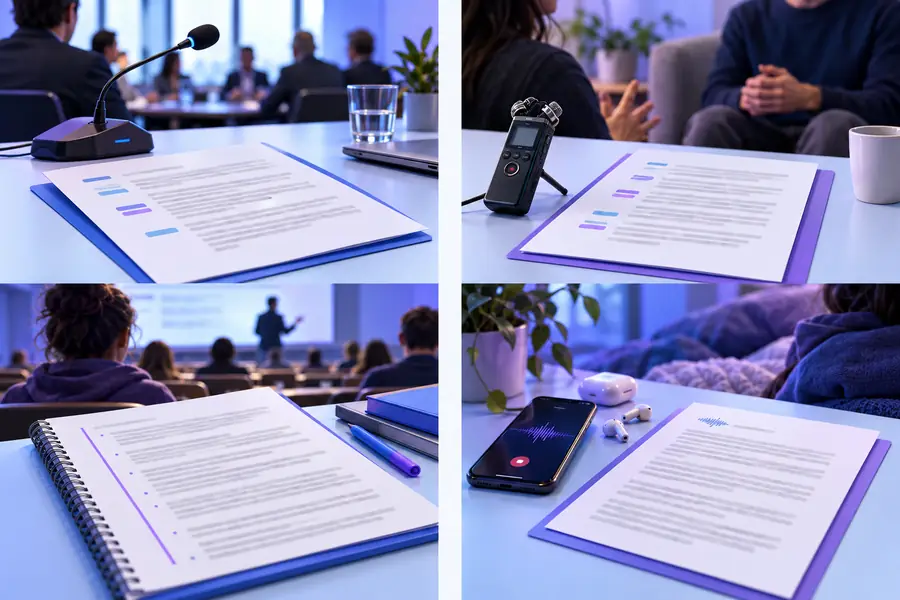
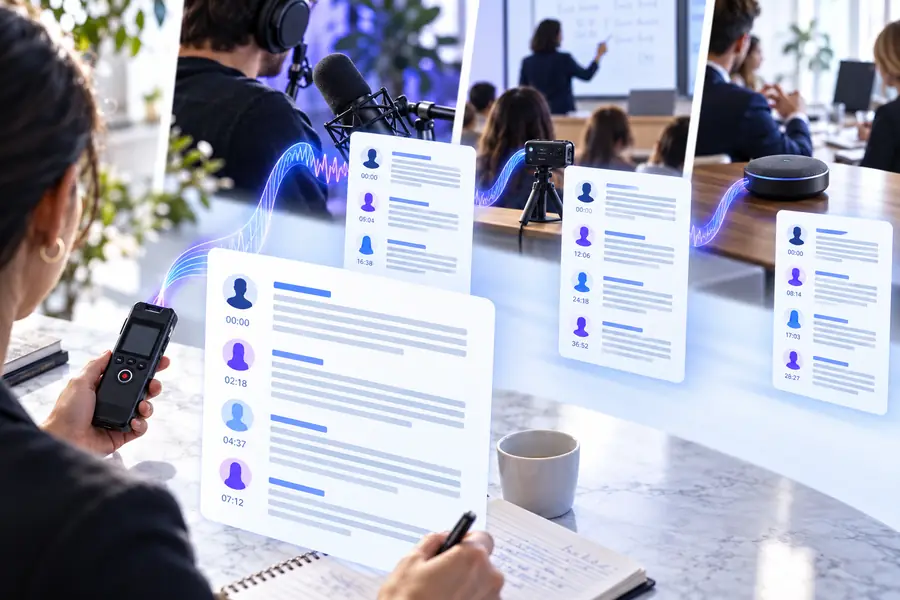
Meeting organizer

Convert a meeting recording, locate decisions in the text, and confirm owners and deadlines by listening to those passages.

A concise action list supported by a reviewed record of the discussion.

how to use audio to text converter online

Student

Transcribe a permitted lecture recording, then compare technical terms and figures with course materials.

Study notes that are easier to search without relying on an unverified transcript.

audio to text converter tutorial free

Reporter on a phone

Capture a spoken observation while away from a desk, then turn the recording into text when it is time to write.

A draft note that can be edited into a story outline after facts and attribution are checked.

How do I convert audio to text on my iPhone?

Across these workflows, the same review pattern helps prevent a rough transcript from becoming a misleading final document.

  1. 1

    Prepare the recording

    Choose audio you have permission to process. A clear recording with limited background noise gives an audio to text converter a better starting point than overlapping voices or a distant microphone.

  2. 2

    Create a draft

    Provide the recording to the transcription service and use the resulting text as working material. If a service offers speaker labels or formatting, check what it actually produced rather than assuming those details are correct.

  3. 3

    Review against the audio

    Replay passages containing names, numbers, quotations, and decisions. Mark genuinely unclear words, remove irrelevant chatter only when appropriate, and keep a distinction between what was said and your later summary.

These examples illustrate a review process; they do not guarantee a particular service's accuracy, access terms, file support, or privacy practices.

It cannot verify a claim

A transcript records speech, including statements that may be mistaken. Accurate transcription is not fact-checking.

Workaround

Check names, dates, figures, and factual claims against reliable sources before sharing them.

It cannot recover every unclear word

Noise, cross-talk, accents, and low volume can leave ambiguous passages even when the surrounding text looks fluent.

Workaround

Replay the original audio and mark unresolved words as unclear instead of guessing.

It cannot grant permission

Having an audio file does not automatically mean you may upload it, transcribe it, or circulate the resulting text.

Workaround

Confirm consent, workplace rules, and applicable recording requirements before processing sensitive material.

Example output: from spoken note to reviewable text

Imagine a short meeting clip: “Maya will send the revised outline Thursday. I think the client call moved to three.” The draft below keeps the uncertain time visible rather than silently turning it into a confirmed appointment.

Illustration representing audio before transcription Recording to inspect
Illustration representing text prepared for transcript review Draft to verify
Illustrative reviewed text: “Maya will send the revised outline Thursday. The client call may have moved to 3:00; confirm the time.” This is an example of editing a transcript, not a claim that the pictured files contain those words.

Compliance notes before sharing a transcript

An audio to text converter can help prepare a draft, but the person handling the recording remains responsible for access, accuracy, and appropriate distribution.

Unreviewed draft
Reviewed working copy

Permission

Unreviewed draft

Upload rights and consent may be unknown.

Reviewed working copy

Recording and processing permissions are checked first.

Names

Unreviewed draft

A plausible spelling may still be wrong.

Reviewed working copy

Names are checked against the audio or an authoritative source.

Numbers

Unreviewed draft

Times and amounts may be misheard.

Reviewed working copy

Material figures are replayed and flagged if uncertain.

Speaker identity

Unreviewed draft

Turns may be merged or attributed incorrectly.

Reviewed working copy

Attribution is checked before quoting anyone.

Sensitive details

Unreviewed draft

Private information may appear in the text.

Reviewed working copy

Distribution and necessary redactions are considered.

Summary

Unreviewed draft

Spoken speculation can look like a decision.

Reviewed working copy

Confirmed decisions are separated from open questions.

Turn a recording into a draft you can review

Use the examples to plan what you need from your recording, then check the resulting text against the source audio. Review the destination service's terms and privacy information before providing confidential material.

Transcribe my audio
  • Start with audio you are permitted to process
  • Check quotations, names, and numbers
  • Keep uncertainty visible until it is resolved

Scenario FAQ

Common examples include turning an interview into a quotation draft, a meeting into searchable notes, or a voice memo into an editable outline. In each case, the first transcript is a starting point: replay the audio before treating important wording as final.

You can use a transcript draft to locate discussion points and proposed actions. Minutes still need a human to distinguish decisions from suggestions and to confirm names, owners, and deadlines.

A useful example shows the spoken words, any uncertain passages, and where speaker changes need checking. Before publishing a quote, compare it with the recording and follow any consent or attribution requirements that apply.

No. Service access terms can change, and permission to process a recording is separate from its cost. Check the service's current terms and your right to handle the audio before uploading it.

Replay the relevant passage and correct only what you can substantiate. If a word remains unclear, label it as uncertain rather than filling in something that merely sounds plausible.

Transcribe audio
Transcribe audio