Interview researcher
A conversation has pauses, interruptions, and similar-sounding voices.
Confirm who said each quoted sentence before using it in a report.
voice to text converter online freeTranscription guide
A free audio to text converter can help you start a transcript, but the word free does not tell you which recordings qualify or what happens after conversion. Prepare a short test clip, check the destination’s current terms, and plan to review the text against the audio.

Keep the original recording available, note any sensitive content, and decide whether a rough draft or a carefully checked transcript is the goal. These related guides address common starting points.
Use one short, representative recording before committing a longer interview or meeting. A test should reveal both access conditions and the amount of editing the transcript needs.
Choose a clip containing the accents, background noise, and speaker changes you expect in the full recording. Keep a copy so you can compare the draft with what was actually said.
Read the destination’s current file, usage, privacy, and account requirements. Do not assume a free listing means every length or use case is included.
Listen while reading. Correct names, numbers, punctuation, and uncertain phrases; then decide whether the result is adequate for notes or needs a closer editorial pass.
The best choice depends less on a free label than on the standard the finished text must meet. Compare a quick working draft with a transcript you have reviewed against its source.
Best use
Quick draft
Finding topics or drafting personal notes
Reviewed transcript
Sharing quotations or maintaining a reliable record
Audio check
Quick draft
Spot-check important passages
Reviewed transcript
Listen through every passage that matters
Names and terms
Quick draft
May remain phonetic or inconsistent
Reviewed transcript
Verify spelling against a trusted source
Speaker turns
Quick draft
Treat labels as provisional
Reviewed transcript
Confirm each change of speaker
Unclear speech
Quick draft
Flag gaps for later
Reviewed transcript
Mark unresolved words rather than guessing
Numbers
Quick draft
Useful for locating a passage
Reviewed transcript
Replay and verify dates, amounts, and measurements
A transcript may look polished while still getting a name, number, or speaker wrong. Noise and overlapping voices make those errors harder to notice without listening.
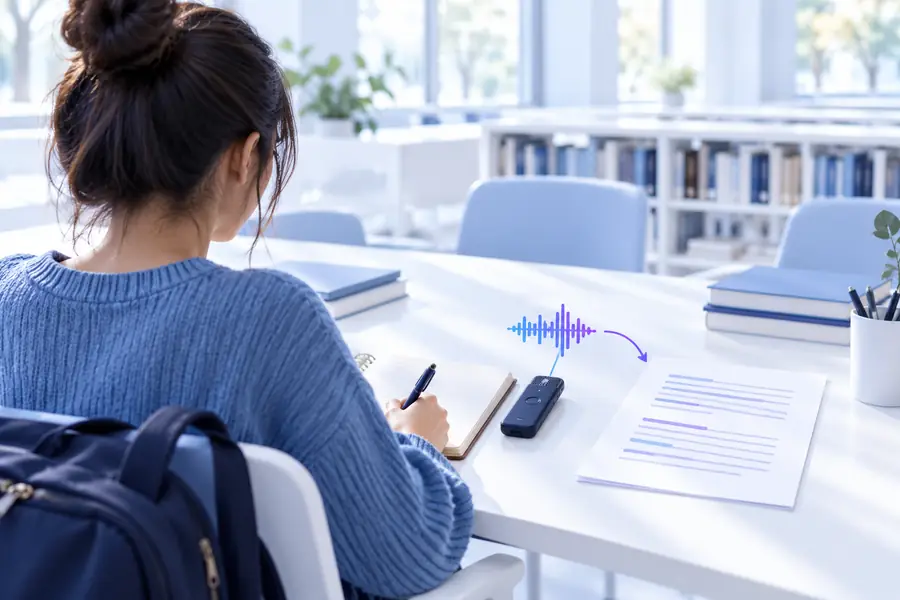 Before review
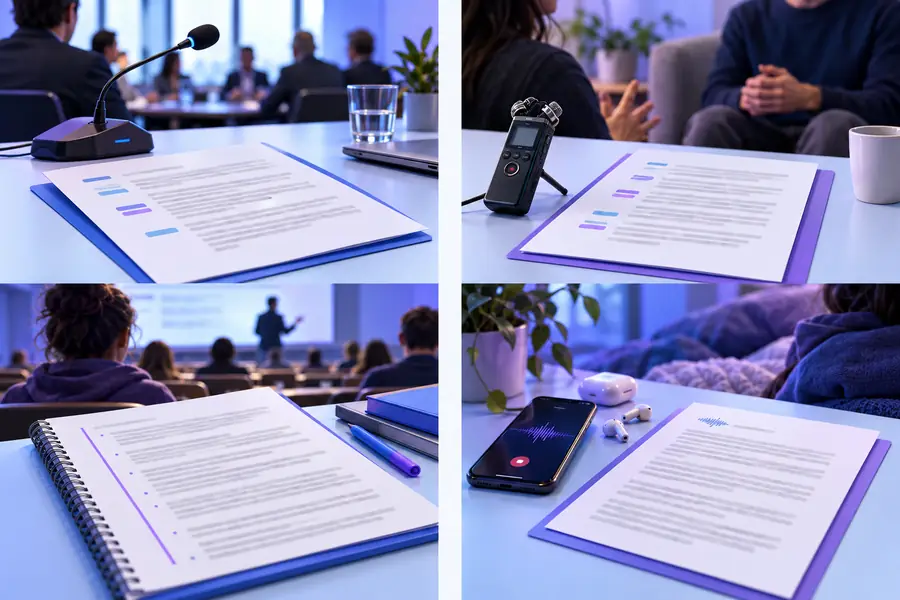 After review
Different sources call for different checks. Start with the issue most likely to make your own transcript misleading.
A conversation has pauses, interruptions, and similar-sounding voices.
Confirm who said each quoted sentence before using it in a report.
voice to text converter online freeAn MP3 contains introductions, names, and background music.
Check proper nouns and replay passages where music covers speech.
mp3 audio to text converter online freeA voice message needs to become searchable notes.
Check whether the message can be saved and whether sharing it is appropriate.
whatsapp audio to text converter online freeA recording contains information about other people.
Review access and handling terms before sending the file anywhere.
audio to text converter online free no sign upTry a representative sample, inspect the available terms at the destination, and compare any draft with the original audio. That small run-through is more useful than relying on a free label alone.
Convert my audioNo single limit applies to every service. Check the destination’s current length, file, and usage conditions before relying on it for a long recording.
Do not treat an unreviewed draft as a verified quotation. Replay the relevant audio, especially around names, numbers, interruptions, and unclear words.
Cost and account requirements are separate conditions. Check the destination’s current access flow rather than assuming that a free option also works without registration.
Consider whether you have permission to share it and read the destination’s current data-handling terms. If the content is sensitive and the terms do not meet your needs, do not submit the recording.
Replay the passage and correct what you can hear. Mark genuinely uncertain speech instead of filling a gap with a plausible guess.