Finding an audio to text converter online free no sign up
Looking for an audio to text converter online free with no sign up? The service linked here, Supavocal, is not that: a Google sign-in and sufficient credits are required to create a transcription task. This page helps you compare access conditions before sharing a recording.
Continue to Supavocal to transcribe audio
Sign in to Supavocal with Google and use available credits. New accounts receive 1,000 credits, about one minute of transcription. Select an MP3, WAV or M4A audio file up to 25 MB and one hour, create a task, then copy the transcript. No speaker labels, inline editing or transcript file export are provided. This guide sends no instructions or files.
A general audio to text converter search asks whether a tool can transcribe audio. A no sign up search adds an access requirement: can you complete a usable transcript without creating an account?
Use these checks to distinguish a genuine no sign up workflow from a page that only lets you begin without an account.
1
Check the entry point
Open the service and look for an account requirement before selecting a file. A visible upload control does not prove that an audio to text converter will let you finish the task without registering.
2
Check the complete path
Find out whether you can view, correct and copy the resulting text. Some services defer their access requirements until after processing, so test with a short, non-sensitive clip before relying on a longer recording.
3
Check the data terms
Read the service’s handling and retention information before uploading speech from another person. No sign up does not mean anonymous processing, automatic deletion or permission to share a confidential recording.
How to start
Begin with the access check, not your most important file. Then decide whether the service’s terms suit the recording you want to transcribe.
General online search
No-sign-up access check
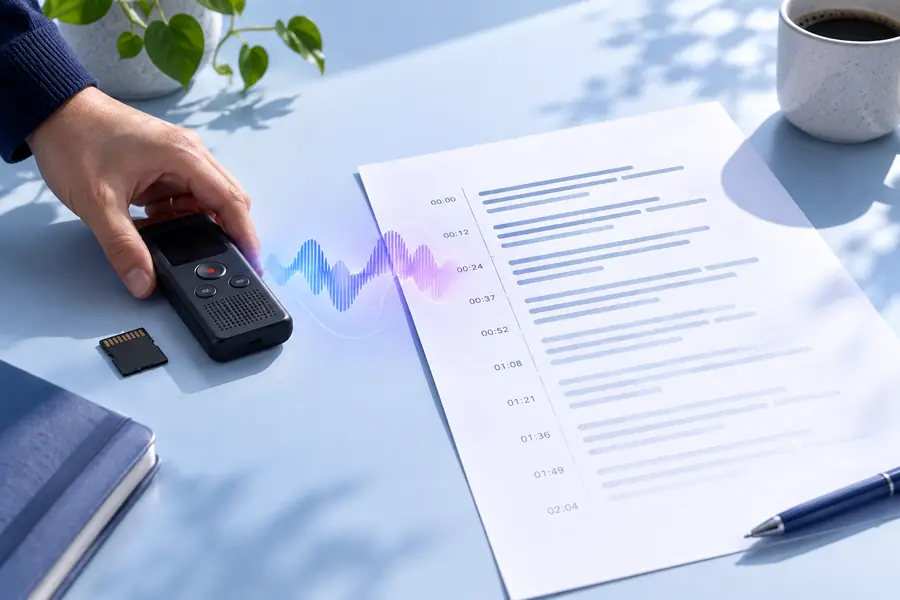
These illustrations contrast two search goals, not verified screenshots of an account-free workflow. Before using an audio to text converter, inspect its current prompts and terms. If access is suitable, try a short sample, compare the text with the recording and correct names or unclear passages before using the transcript.
Limits worth knowing
This page compares access models. For the linked Supavocal tool specifically, Google sign-in and sufficient credits are required; supported audio is limited to 25 MB and one hour.
Supavocal requires a Google sign-in
Supavocal does not process audio without sign-in. It provides copyable transcript text after a Google-signed-in user with sufficient credits submits a supported audio file; inline editing is not available.
Workaround
Check the service’s current prompts through the entire workflow before committing a full recording.
Transcription uses credits
Supavocal requires Google sign-in and sufficient credits to run speech-to-text. New accounts receive 1,000 credits (about one minute of audio); the tool shows the estimate before a task is created.
Workaround
Review the current terms and use a short test only if those terms meet your needs.
Privacy is not guaranteed
Skipping registration does not establish where audio is stored, who can access it or when it is deleted.
Workaround
Avoid uploading sensitive material until you have read the service’s data-handling terms and have permission to share the audio.
A draft is not a verified transcript
Noise, overlapping speakers and unfamiliar names can cause errors regardless of how you access the audio to text converter.
Workaround
Listen alongside the output and review consequential wording before sharing or citing it.
Continue with the access check
See whether the current workflow fits
If you need audio transcription, the linked Supavocal tool requires Google sign-in and sufficient credits. Read its data terms before uploading. Start with a recording you are permitted to share, then review any transcript against the audio. Supavocal's linked workflow does not offer no-sign-up transcription.
Not with the linked Supavocal tool. A Google sign-in and sufficient credits are required before its API creates a transcription task. Other services may have different account requirements.
No. An account requirement and a payment requirement are separate, and either can appear after you begin. Read the current terms rather than assuming an audio to text converter is free because it opens in a browser.
Not necessarily. A service may process your recording and collect technical information even when you do not create an account. Read its privacy and retention terms before submitting speech, especially if other people are recorded.
Use a short, non-sensitive sample that you have permission to share. Check whether you can access the resulting text under acceptable terms, then listen back and assess recognition errors before deciding whether to submit more audio.